
Bassett Tennis Club: Trung Tâm Thể Thao Đẳng Cấp và Văn Hóa Địa Phương
Bassett Tennis Club: Trung Tâm Thể Thao Đẳng Cấp và Văn Hóa Địa Phương
Table of contents
Giới Thiệu Về Bassett Tennis Club
Lịch Thi Đấu Nổi Bật
Xếp Hạng và Thành Tí


Bassett Tennis Club: Trung Tâm Thể Thao Đẳng Cấp và Văn Hóa Địa Phương
Table of contents
Giới Thiệu Về Bassett Tennis Club
Lịch Thi Đấu Nổi Bật
Xếp Hạng và Thành Tí

Club America vs Juarez: An exciting showdown in Mexican football
Content categories
Match schedule
Tactical analysis
Match statistics
Player profiles

Pachuca Women vs Club Puebla Femenil: A Highly Anticipated Clash in Women's Football
Table of contents
Pachuca Women vs Club Puebla Femenil match schedule
Rankings

In Da Club Lyrics and the Meaning Behind the Song
Table of contents
Lyrics Analysis
Cultural Impact
Related Locations
Sam’s Club Whole Ribeye Price Comparison

tennis & pickleball an dương club hà nội: A premium and modern sports center
Main content
Introduction
Match schedule
Ranking and achievements

Top Sunwin Club: A Top Team and the Latest Trends
Table of contents
Top Sunwin Club Ranking
Match Schedule and Events
Team Statistics
Player Profile
This is the news and latest updates hub of 8kbetcc, where you can quickly view public news, platform news, signup gifts, first deposit promotions, and weekly event milestones. Everything is arranged with clear labels, making it easy to read on mobile.
The good thing is you do not have to search for long. As soon as you enter, you can see the trending section, the newly posted section, and the topics players usually look for first. The news flow is prioritized by public data, with content that is easy to follow for both new users and those already familiar with the platform.

The featured news panel is placed right at the top of the page so you can tap and view the content being talked about most, without getting lost in too many category layers.
It starts with a few news items that are being mentioned a lot. Short enough to read quickly, clear enough so you do not have to search again.
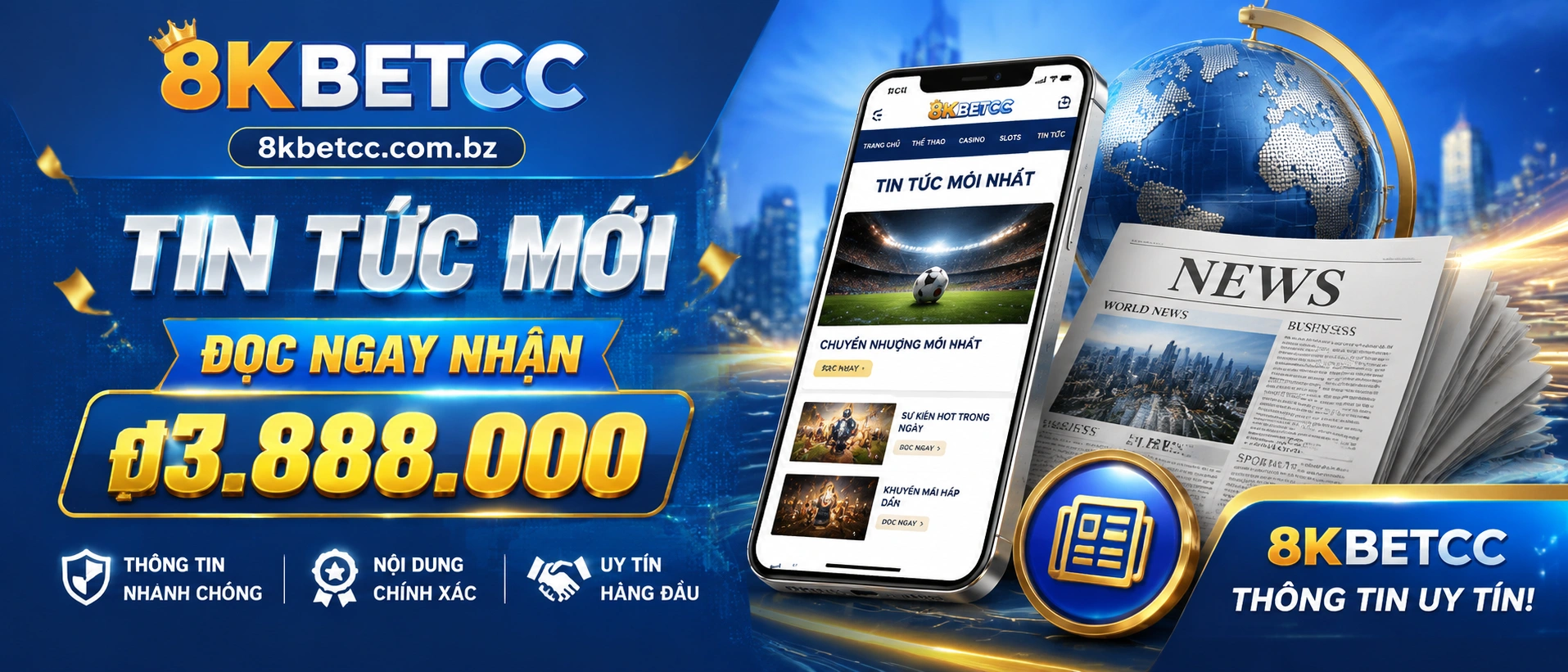
This news group focuses on the most noticeable changes: the interface, category labels, newly launched content blocks, and the sections users usually click first.
Read Details
New visitors usually look for signup bonuses, account opening guides, and basic promo details. This section is separated so you don’t have to keep scrolling around.
Read DetailsThe VIP news block is placed next to other updates so viewers can quickly grasp membership tiers, priority support, and benefit-related changes.
Read DetailsThe news cards below are arranged by the day’s update rhythm. Each one has a title, posting date, short description, and a clear view button.
The design prioritizes quick reading, fewer taps, prominent category labels, and a view details button placed right under each card.
See MoreContent related to signup bonuses is grouped into an easy-to-find cluster, avoiding confusion with platform news or event news.
See MoreThe posting rhythm is kept steady so viewers can follow along easily, especially for event topics, change milestones, and content that’s being mentioned a lot.
See MoreThe user support team is clearly mentioned in the news section so anyone who needs to ask quickly knows how to get in touch and follow up on replies.
ContactSecurity information is presented briefly and to the point, helping readers understand how the platform handles personal data.
See MoreThis section is for sports updates, match schedules, and the news items that get the most attention during the day.
See MoreViewers can go straight to the content group they need, from casino to jackpot games, fish shooting, or lottery.
See MoreThe content layout is optimized for small screens, helping users follow updates without slowing the page down.
See MoreThe topics being opened the most, plus a few things new users usually look for first.
Prioritize viewing news about signup gifts, VIP updates, security content, and the fastest-rising items of the day. Go straight to the right place and save time.
Explore NewsCategories are arranged to be easy to browse, easy to choose, and easy to come back to next time.
A consolidated update group, ideal when you want to quickly view all recently posted content.
Match schedules, hot news, and update snippets following the pace of sports events.
Casino topics, platform news, and updates related to the playing experience.
News grouped by jackpot topics, easy to follow and easy to filter.
Related topics to keep you on the right track without having to start over.
| Related topic | Short description | Link |
|---|---|---|
| Signup gift | News for new users, easy to view and easy to recognize. | View news |
| VIP 7 levels | Track benefits by membership tier. | View news |
| User support | Contact information and support response pace. | Contact |
| Security & privacy | SSL, personal data, and how information is handled. | View policy |
The news page is kept clear in source, label, and time. No word stuffing. No pushing vague news.
Promotion +889K for the news and brand updates section, paired with a fast-reading pace, clear goals, and easy clicks.
This page prioritizes continuous updates throughout the day, especially for items with clear changes or those opened frequently by users.
You can click directly on labels like News, Sports, Casino, Jackpot, or Fishing to go to the right section.
Yes. The layout is optimized for small screens, with compact cards, clear buttons, and very smooth scrolling on mobile.
The page prioritizes public news, foundational data, and content that can be cross-checked with information displayed on the system.
Open the News section regularly or follow the featured tags at the top of the page to see the latest updates.
You can search by content groups related to games, platforms, and entertainment updates with a similar pace.
You can go to the Contact page to send your question. The support team is described as being online continuously and responding quickly to basic inquiries.
Go to 8kbetcc News to browse hot updates, choose the right category, and quickly open the section you need. No detours, no delays!